Threadwise
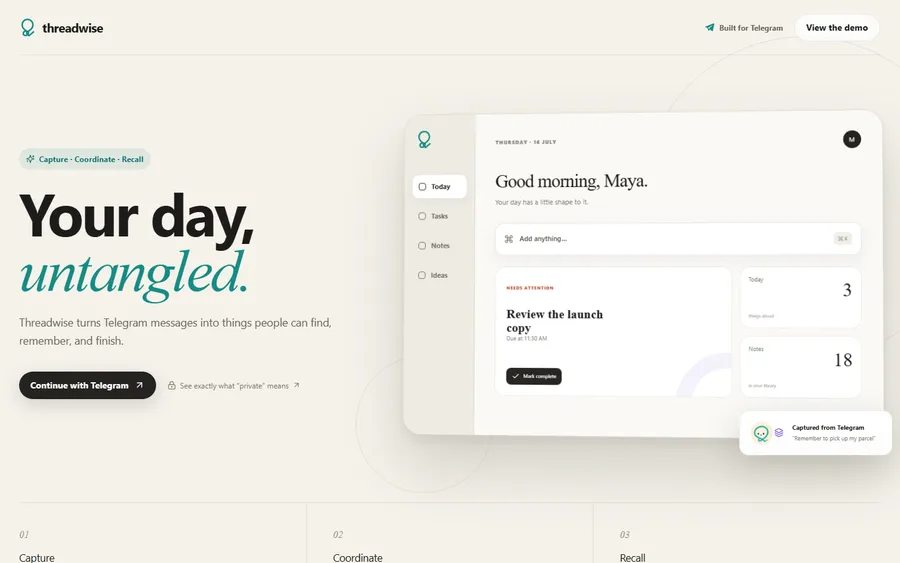
A Telegram productivity system that turns your messages into things you can find, remember and finish.
It opens a demo workspace with sample data. Nothing you change is saved.
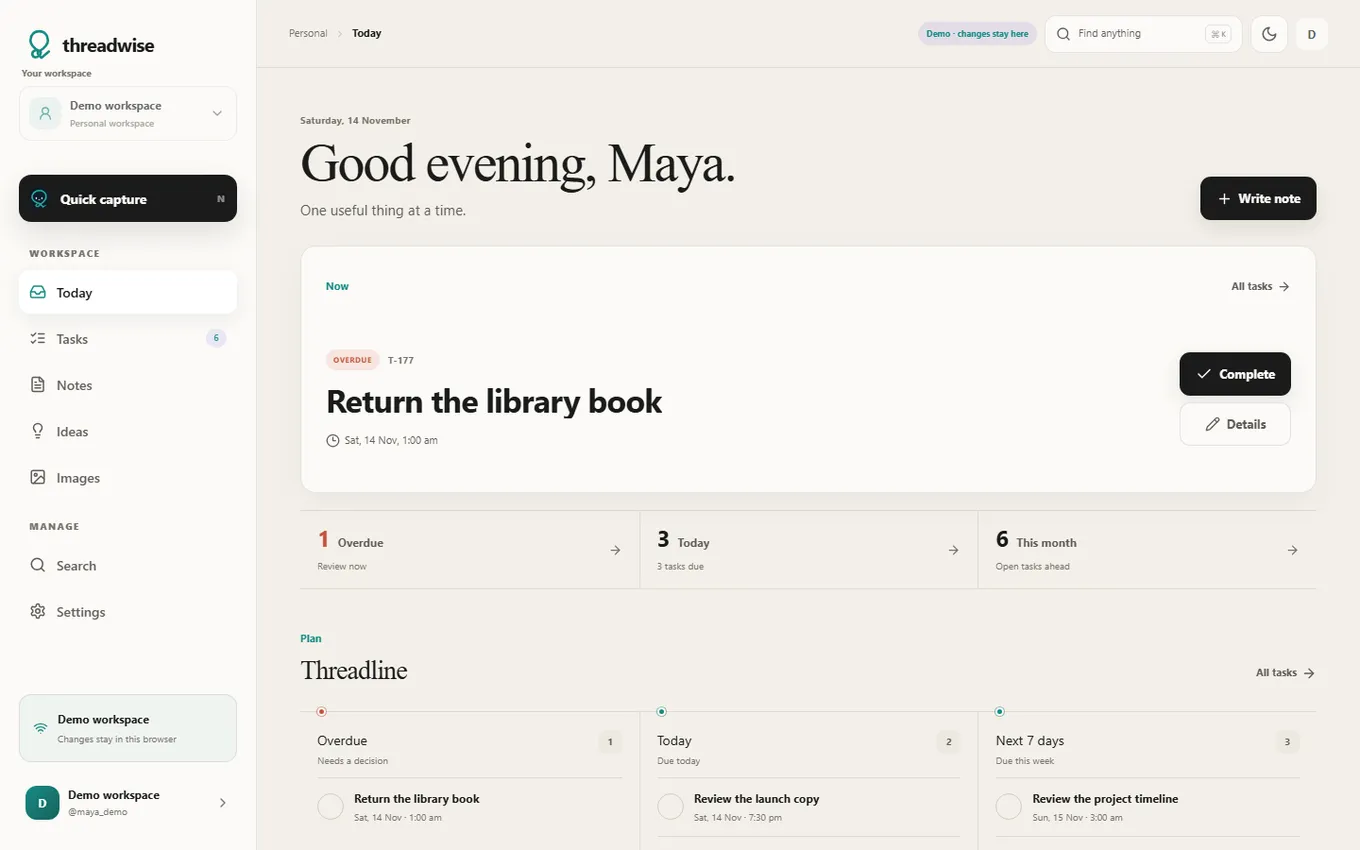
- Status
- Live
- When
- Jul 2026 to now
- Role
- Led product development, directed AI-assisted implementation
- Team
- Solo, with friends as testers
- Made with
- TypeScript, Node.js, grammY, Fastify, PostgreSQL, Prisma, Next.js
What it is
Threadwise started as a reminder and note bot for myself. After using it every day and watching a few friends use it, I noticed a bigger problem. A lot of useful work already starts in chat, but people end up copying it into another app, and later they have to ask what was decided.
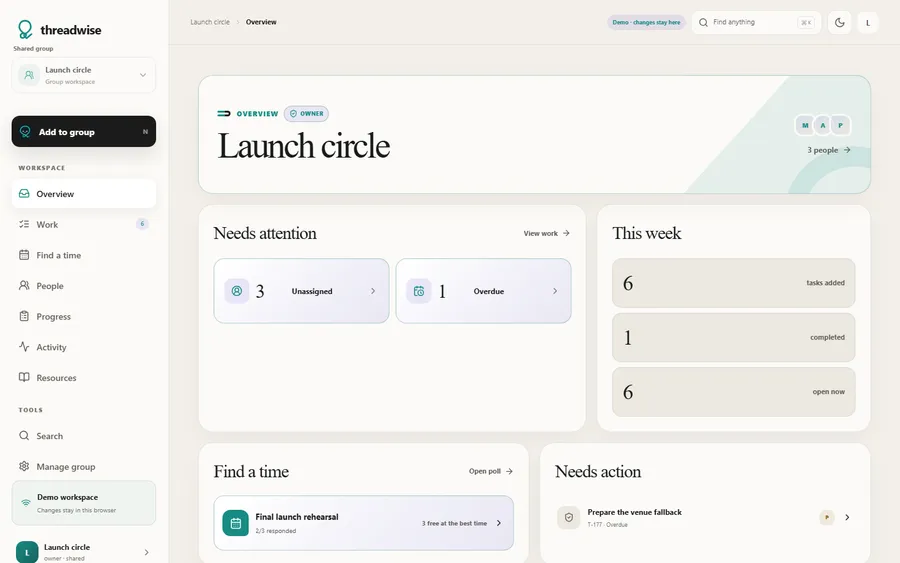
So Threadwise does three things. It captures tasks, reminders, notes, ideas and images from plain messages. It helps a group coordinate shared work, with assignees and a way to find a meeting time. It also brings things back when you need them, through search, reminders and a web dashboard that shows the same data.
My part
I led the product development. I decided what to solve and what to remove, how permissions and privacy should work, what counted as done, and when to deploy. AI coding tools wrote the implementation, the tests and much of the documentation based on my direction. I did not hand-write the code.
How it works
Most messages never reach an AI model. The bot checks for exact commands first, then tries to parse common phrasing locally, and then calls a service that validates and saves. AI only comes in where summarising actually helps, like merging notes. This keeps normal replies fast and predictable.
As of version 0.32.0 on 10 August 2026, the backend had 786 passing tests across 97 test files.
Limits
- It is not end-to-end encrypted. Users are kept separate from each other, but the operator can technically read stored content, and the product says so.
- Search is made for personal and small-group use.
- I do not have enough usage numbers to claim anything about growth or retention.
What I learned
- Sometimes making a product better means removing features or freezing them.
- Reminders, permissions and undo have to work the same way every time. If they do not, people stop trusting them.
- The dashboard is there to extend the chat, so it should never become a second place you have to keep updated.
Decisions
These go from the first to the latest. For each one, what I saw and what I did about it.
Reminders and ideas usually start in chat, but a normal chat loses them. And bots that make you memorise commands feel too technical.
I made the database the source of truth and plain language the default. AI is only for summarising
After Everyday messages work without an AI call.
Every button press posted a new message. On a phone the chat got noisy, and the menu kept scrolling away.
I cut it down to one Menu button, and every other button edits the message already on screen
Telegram is good for capturing things quickly, but not for scanning and editing an archive that keeps growing.
I decided to add a web dashboard on the same data, signed in through Telegram
After Moving the database from Seoul to Singapore took roughly one to two seconds off common requests.
The group dashboard was basically a copy of the personal one, and it did nothing with assignees.
I treated a group as its own workspace, centred on people, progress and activity
Gmail was still being advertised even though it was not where the product was going. It added setup and upkeep for very little value.
I retired Gmail. Outside services can be optional mirrors, but never the source of truth
The bot replied to every line while someone was trying to write a note.
Quiet note sessions. Each message becomes a paragraph, and nothing replies until you save
Planning a meeting in a group turned into a long stream of availability messages.
I decided to add Find a time, a poll with an availability grid inside the group
An early plan for the study workspace assumed AI would decide what mattered most.
I made prioritising rule-based. The same state always gives the same answer, and it can explain why
The task cards had turned into a wall of buttons.
I set a rule of one message, one decision, with at most three actions on a card